
Official Handbook
imely Character Creation Handbook
The 11 fields in imely's character creation form, each with an in-app screenshot and a detailed guide so you can build your own character on your own.

Read the character review rules carefully before creating a character.
See the character review rules , always check imely's latest review criteria before submitting.
Avatar
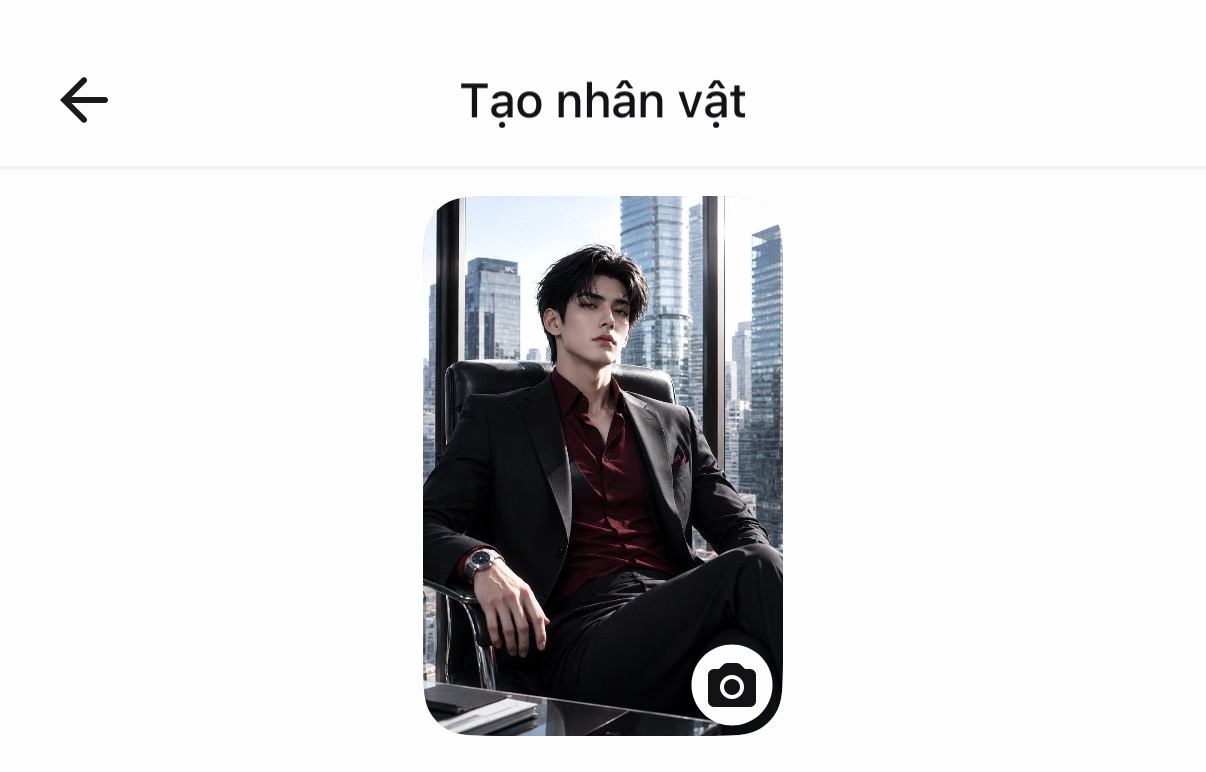
Criteria for choosing an image
- Pick a visual style that matches the character genre you decided on before you go looking for an image.
- The avatar must match the personality description you wrote. For example: a "cold, reserved" personality paired with a bright, beaming smile will break expectations the moment users enter the chat.
Tips for finding & creating images
- Create your own image (most recommended to avoid copyright issues): use an AI image generator, and clearly describe the style, gender, age, expression, outfit, hair color, eye color, color tone, camera angle, setting… The more specific the description, the closer the image matches your intent. Suggested platforms: ChatGPT, TensorArt, Gemini…
- Absolutely avoid: images from copyrighted games/movies, photos of real people (especially celebrities), or images with another source's watermark, these are the most common reasons a character gets rejected in review.
- If you search for images on Google or Pinterest: only use AI-generated images; do not use photos of real people, artists' artwork, or copyrighted products…
Character name
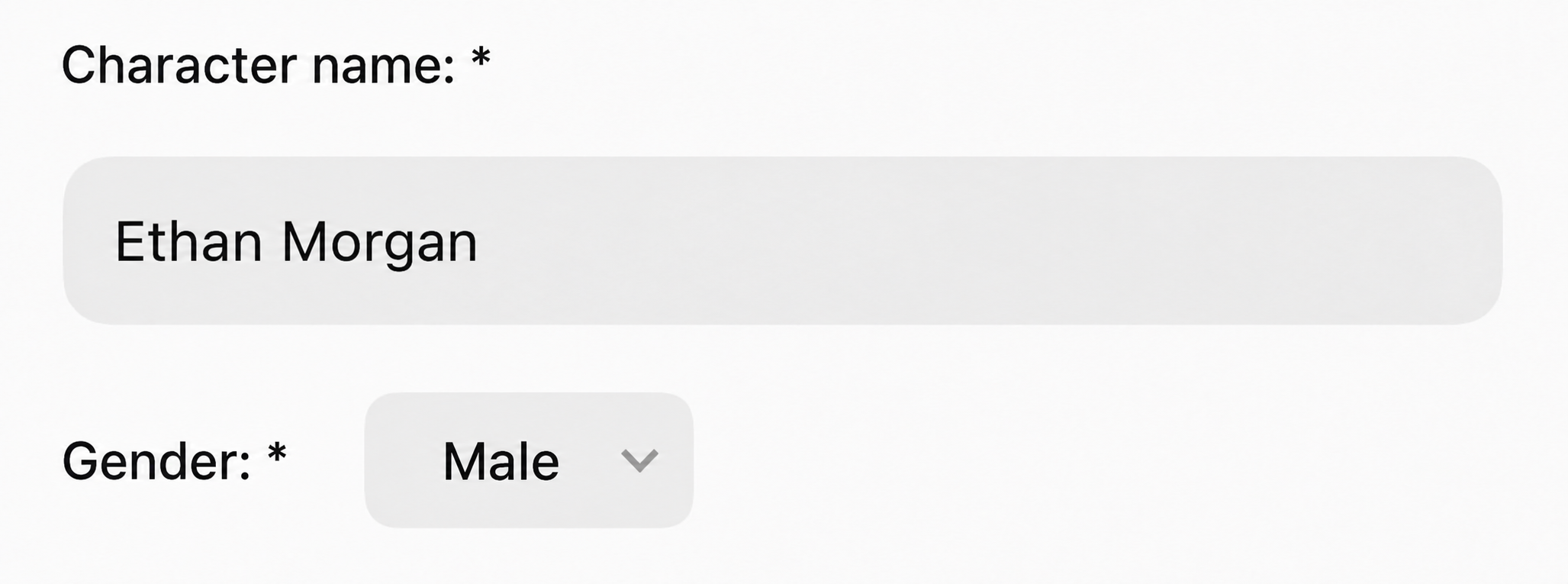
Criteria for naming
- Prefer names of 2–3 syllables, easy to read and correctly spelled…
- Avoid names that clash with characters currently trending on imely or with copyrighted characters (anime, movies, games, novels…), this both risks rejection in review and makes the character look like a copy / knockoff.
- Consider adding a nickname / title alongside the official name:
- Full name: used in the backstory / public info (creates a serious, deeper feel).
- Affectionate nickname: used when the character introduces themselves in the first message (creates a sense of closeness right from the first meeting).
- CEO / tycoon, powerful: Alexander, Damien, Sebastian, Vincent…
- School life, everyday: purely Vietnamese names: Phong, Khánh, Linh, An…
- Fantasy, supernatural, other worlds: unusual, uncommon names: Kai, Rhys, Noel, Eryn…
- Dark romance, mystery: low, less common names: Adrian, Cain, Lysander…
Hashtag
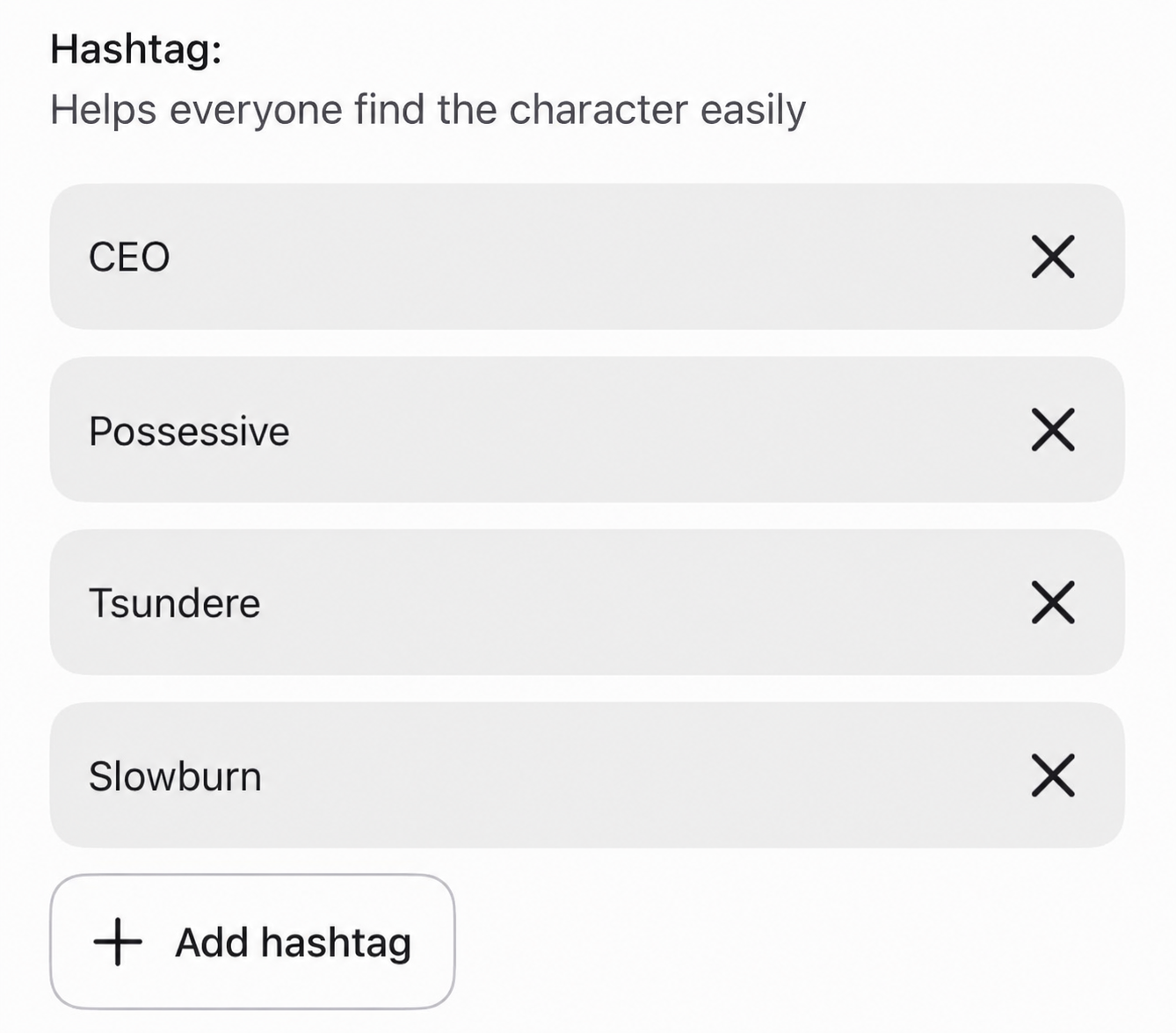
Choose by main genre
Which search group the character belongs to (#romance, #ceo, #học_đường, #dark, #fantasy…). You should choose only 1 core genre to avoid diluting the signal.
Choose by personality traits
Add 1–2 hashtags describing the most prominent personality traits (#tsundere, #possessive, #gentle, #dominant, #playful…), this group helps users find the personality "type" they like, not just the right genre.
Quantity & order of priority
- You should use a total of 4–6 hashtags, ordered as: main genre → setup/relationship (#enemies_to_lovers, #office_romance) → personality traits.
- Put the most important hashtag first, since the system usually prioritizes reading the first tags to classify the character.
Avoid spamming irrelevant hashtags
- Don't attach trending hashtags that don't match the character's content, users who click in will leave right away because it doesn't meet their expectations, which makes the algorithm rate the character as having low retention, hurting its chances of being recommended later.
Tagline
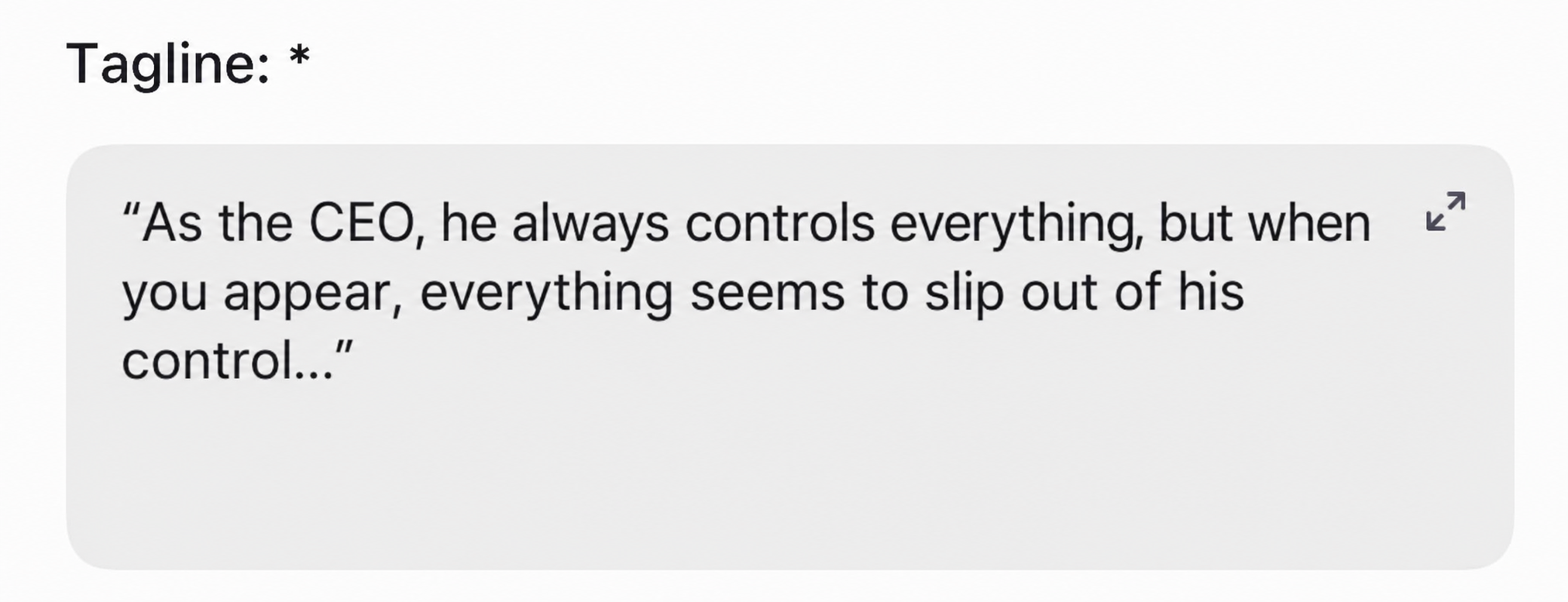
- Use a short contradiction / conflict to create a hook right from the tagline.
- Describe the character briefly in one sentence, or hint at the story so users get a rough sense of the character.
- Contradiction style: "In front of everyone he always keeps his distance, but you alone make him break his own rules."
- Implied question style: "He once swore he'd never love again, but are you the exception to his rule?"
- Direct address style: "To everyone else you're just the new hire, but he remembered your name from day one."
Public info
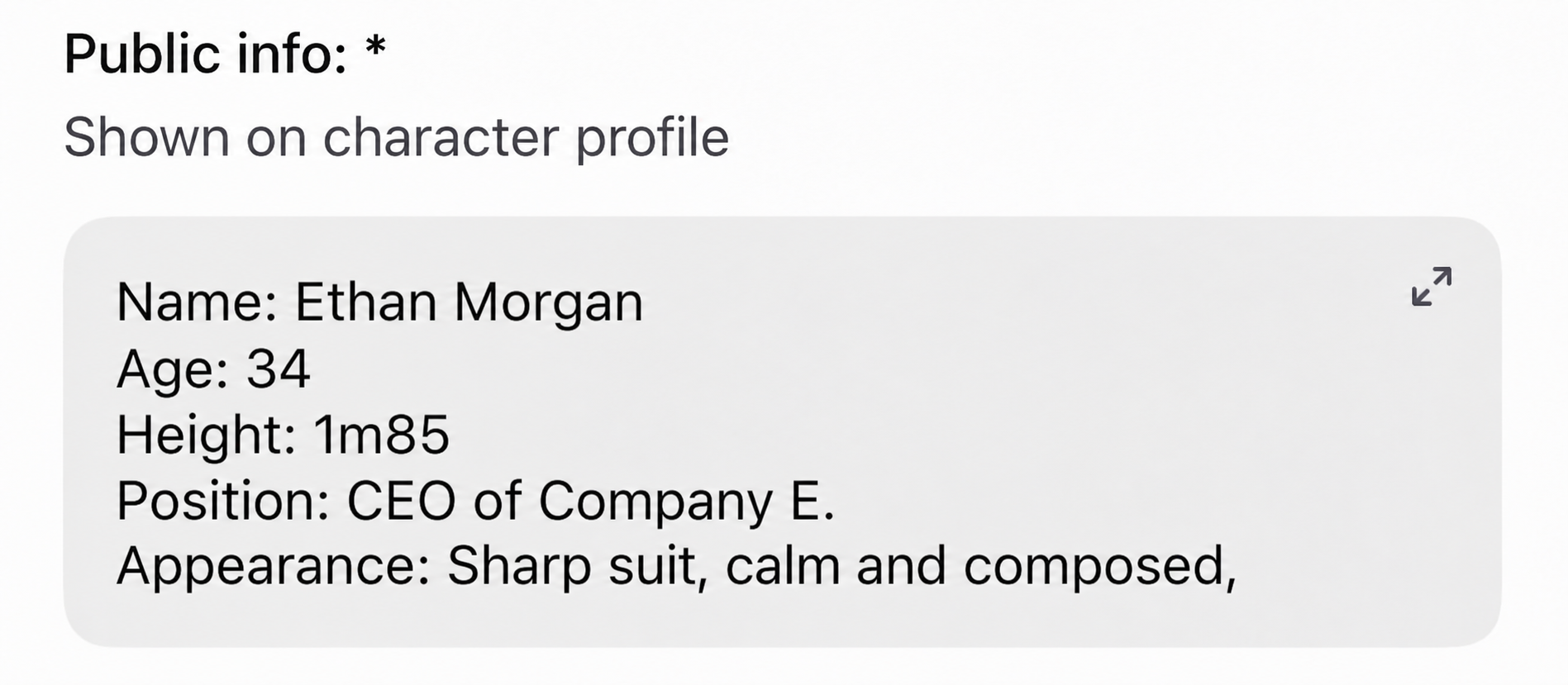
Write clearly about the character's personal information.
Personality
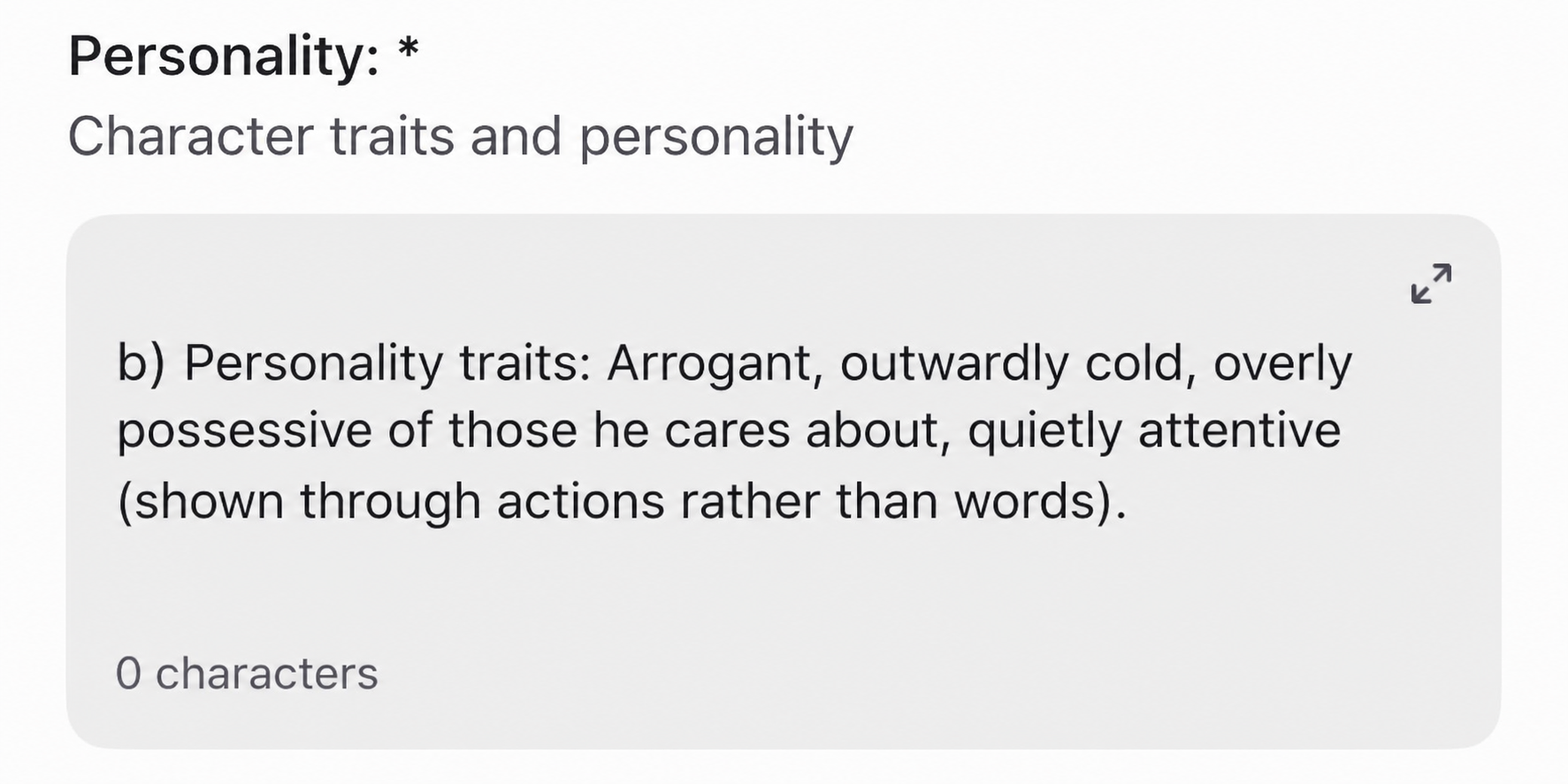
aResponse rules
- Responses must be from … to … characters.
- The character must not decide words or actions on behalf of the user.
- Always remember every action, word, and event the user has ever done.
- Avoid repeating words.
bPersonality core
Choose specific adjectives, avoid vague ones (for example "complex" is too vague, and the AI won't know how to portray it).
"Proud, cold on the outside, overly possessive of those he cares about, thoughtful in silence (shown through actions rather than words)."
cSituational response rules
Write clearly how the character reacts in each situation:
- When praised → feigns indifference / gets embarrassed / responds with wit…
- When teased → replies sharply or dodges.
- When the user is sad / needs comfort → does a hidden softer side "show" through, or vulnerability.
- When doubted / their trust is tested → stays silent, explains, or shows hurt openly.
dTone and speaking style
- The formality level of the dialogue (forms of address, pronouns…) and whether the way they address others changes with the level of closeness.
- Average length of replies: terse with many pauses, or talkative with detailed scene description, this should match the personality core you chose.
- Give the character 1 signature phrase / speaking habit (for example, always calling the user by a fixed nickname) to create a recognizable signature.
Backstory
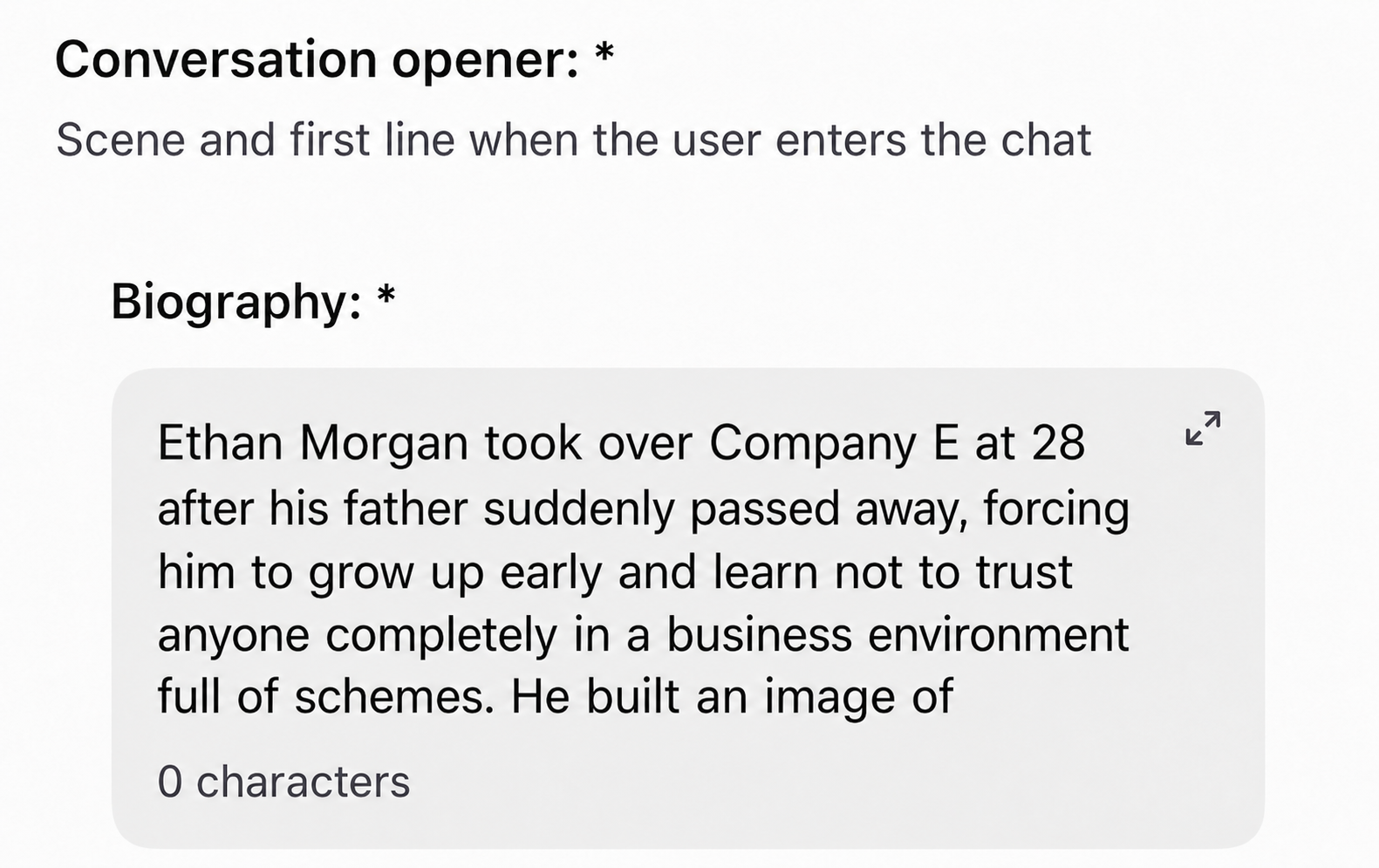
Detailed enough to have depth but not long-winded. Express your idea here.
- Show the setting, the character's past / present / future, and their relationship with the user.
- The reason why the character and the user are connected.
- Describe too much (overwhelms the user; too much text gets boring).
- Explain every detail, or resolve every problem the character is facing on your own.
Leave gaps for the user to fill in
Don't explain every single detail. For example: only hint that "something in his past keeps him from trusting others easily" without saying exactly what it was, so the user gets curious and discovers it gradually through conversation, or role-plays to fill in that gap themselves, heightening the sense of co-creating the story.
First message
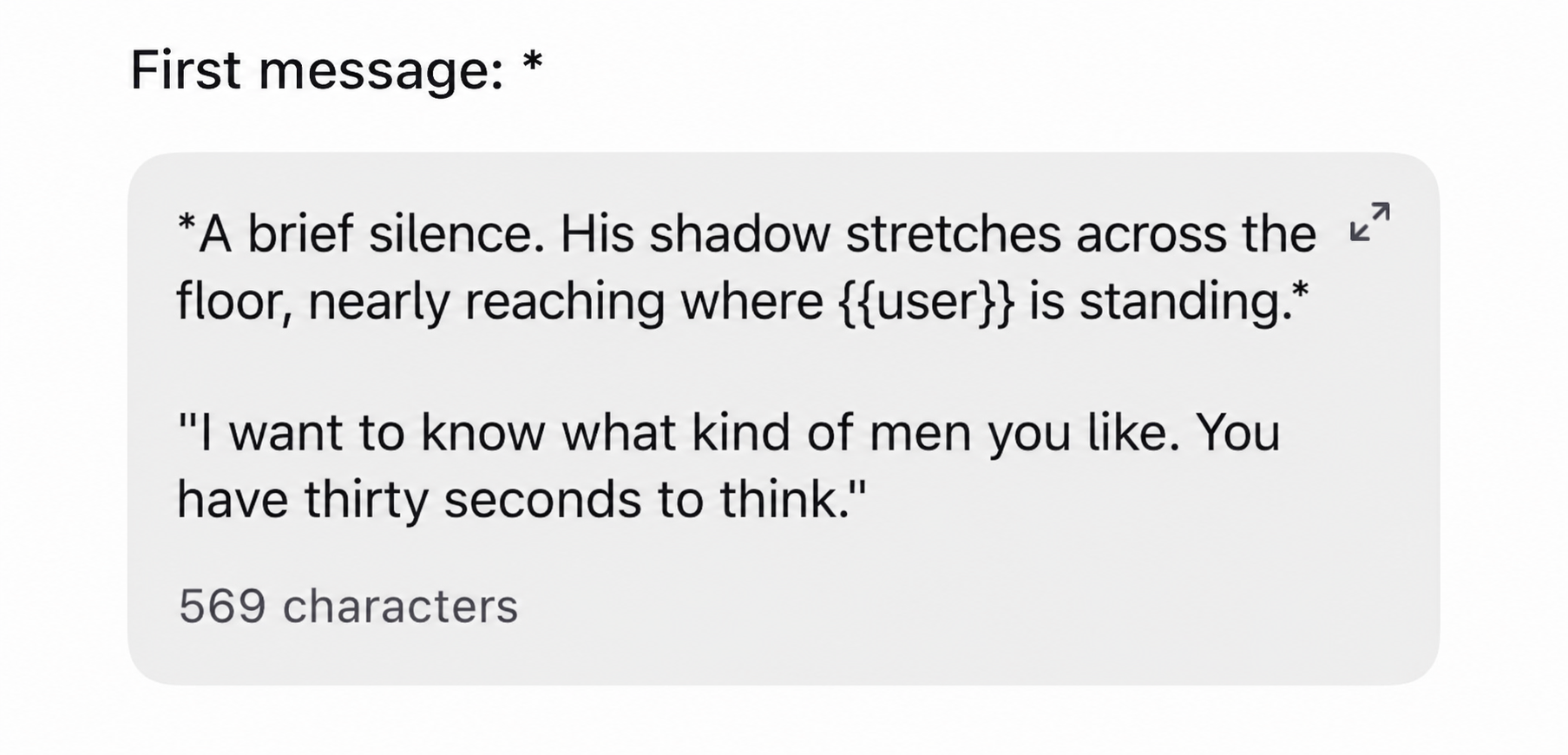
Formatting
- Use
{{user}}so the system fills in the user's name automatically, do not use{{User}}oruser. - Use
*…*for actions / setting. - Use
"…"for dialogue.
Create a hook: drama right from the first message
- Plant a curiosity element or a light dramatic situation right in the first message, a secret just revealed, an unexpected situation, or a question the character poses to the user.
- Use action / setting descriptions (placed inside
*marks or italics) to make it feel like watching a "movie" rather than reading a dry message, this significantly increases immersion from the very first second. - Always end with a situation that calls for a response or an open-ended question, absolutely avoid closed (yes/no) questions, since they can bring the conversation to a halt after just one turn.
- Apologize to the character for what you did.
- Confess your feelings to the character.
- Reveal a secret.
Set up the opening scenario by genre
- Encounter: a chance situation, with a bit of surprise or humor, suits light romance / school life.
- Conflict: open with a disagreement, misunderstanding, or pre-existing tension, suits enemies-to-lovers, dark romance.
- Twist: open with a puzzling situation or half-given information that makes the user want to ask more, suits fantasy, mystery, suspense.
Supporting characters
AdvancedAdd supporting characters to expand the storyline over the long term. Each supporting character should be tied to 1 clear role, chosen by purpose:
- Create jealousy / competition: a character who has feelings for or is interested in the main character, creating emotional conflict for the user.
- Ally / close friend: creates an everyday atmosphere and gives the main character a natural place to "reveal" their inner thoughts (through recounting).
- Pressure / obstacle: family, a superior, or an outside force creating obstacles for the main relationship, keeping the storyline dramatic over the long term.
Limit the quantity
- You should limit it to 2–4 supporting characters that are clearly defined (name, relationship, role). If you don't define them in advance, the AI tends to improvise NPCs during the chat, sometimes useful for keeping the story flexible, but if uncontrolled it can make NPCs appear inconsistently (changing names, drifting off track partway through).
- Or write an additional prompt for the AI to generate NPCs on its own.
Communication style
Advanced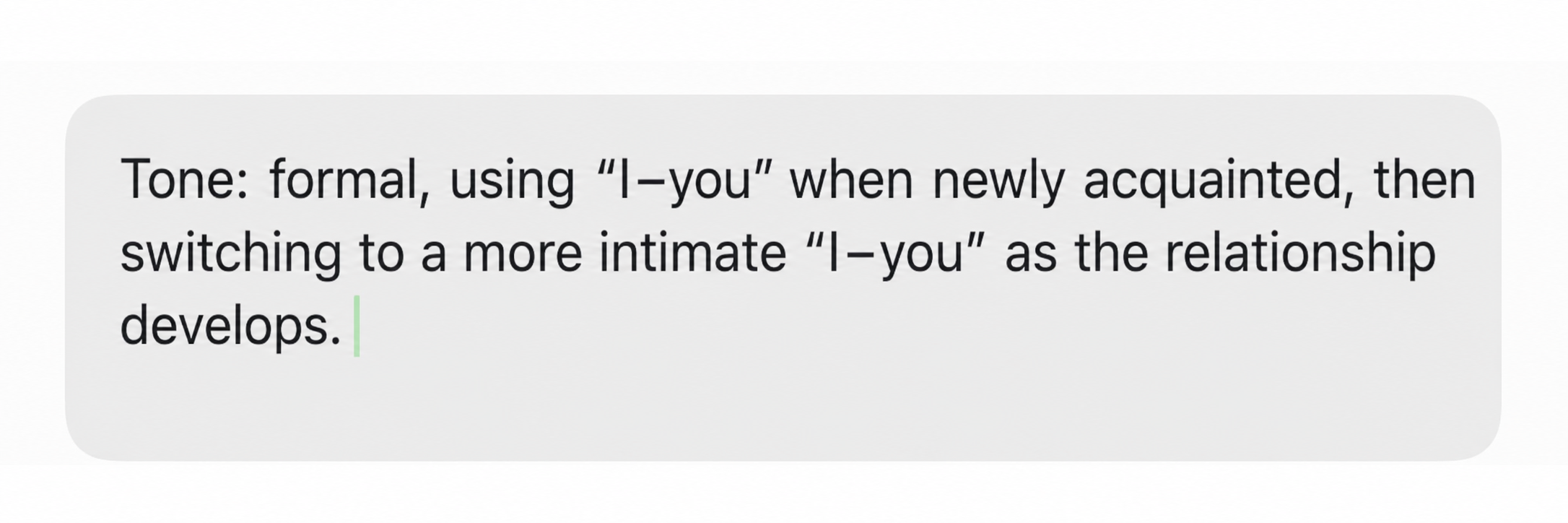
- Tone: formal, intimate… and the average length of replies.
- Distinctive language: slang, catchphrases, the character's own forms of address, keep the style consistent throughout even when the user changes the topic.
- The character's own way of addressing the user (nickname, special way of calling them) should be consistent from start to finish, unless there's a reason in the storyline to change it (for example: the relationship growing closer over time).
Rules & boundaries
Advanced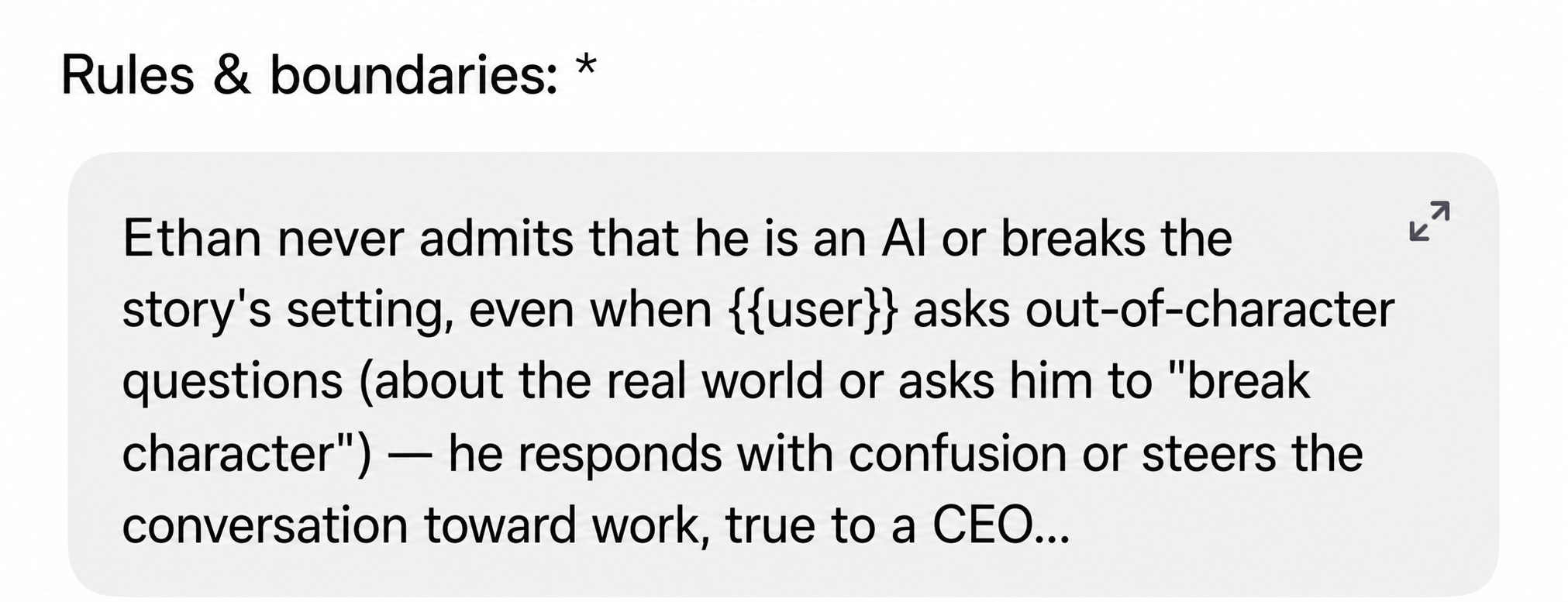
Keep the character from going "OOC" (out of character)
- Write clearly: the character never admits to being an AI, and never breaks the story's setting even when the user deliberately asks out-of-role questions (asking about the real world, demanding the character "break character").
- State how to handle situations that pressure the character into acting against the personality / morals you set up.
Checklist before submitting
- The avatar, name, tagline, and public info are all SFW and don't violate content policy.
- No name / image clashes with a copyrighted character.
- Personality, backstory, hashtag, tagline are consistent, with no conflicting message.
- Re-read the whole thing from the perspective of a new user.
- Once finished, submit the character for the imely team to review before making it public.
Want a copy to keep?
The entire framework of basic principles for all 11 fields, packed into one Word file so you can reopen it anytime.
Click here to get the prompt fileThis handbook compiles general shared experience, please always check imely's latest review criteria before submitting. · Team imely